

Chip load before hype
Why chip load matters more than flute count on aluminium.

What chip load actually means for cutting aluminium
I see CNC router and mill users, from sign shops in Joburg to aluminium fabricators in Durban, get caught up in the flute count debate. Many overlook the basics of chip load, which has far more bearing on tool life and finish, especially in aluminium. If you want good swarf ejection and cool running, chip load must come first.
Chip load is the thickness of material each tooth removes per revolution. For aluminium, a typical chip load is 0.05 to 0.15 mm per tooth, depending on the tool diameter and rigidity of your machine. Going too light produces dust and rubs the cutter, while too heavy overloads the flute and can chatter or break.
When you get chip load wrong, you’ll see the difference right away: rubbing marks, welded aluminium on the flute, or a squealing cut. In the Highveld winter, dry air lets chips float away, but in coastal or humid shops, chips cling and clog more easily, making correct chip load even more important for clean swarf evacuation.
Flute count is secondary to chip evacuation and tool stability
Some newcomers think more flutes always mean faster cutting. In aluminium, it’s almost the opposite. Two or three-flute end mills give generous gullets for chip clearance. If you use a four-flute or higher, those gullets are smaller and chips pack up, especially on deep pockets or slots.
We’ve seen sign shop routers in Roodepoort struggling with welded-on aluminium chips using four-flute tools, especially with weak dust extraction. With a two-flute, chips blast out, the tool stays cooler and lasts longer. If you must use a higher flute count, slow the feed or reduce the depth of cut, but for most workshops, stick to two or three-flute carbide for aluminium.
- Two-flute: best for chip clearance and general aluminium work
- Three-flute: for rigid routers, balances finish and evacuation
- Four-flute or higher: only for finishing passes or rigid CNC mills
How to calculate and check chip load on your machine
To set your chip load, use this simple formula: chip load = feed rate ÷ (spindle rpm × number of flutes). For example, cutting with a 6 mm two-flute at 18 000 rpm and 2 200 mm/min feed gives you just over 0.06 mm per tooth, which sits right in the sweet spot for aluminium.
I always recommend running a short test cut and checking the chips. If they come off as shiny curls or small flakes, you’re close. Dust or powder means your chip load is too low, which causes heat and dulls the edge. Long stringy chips may mean you’re too heavy and risk breakage.
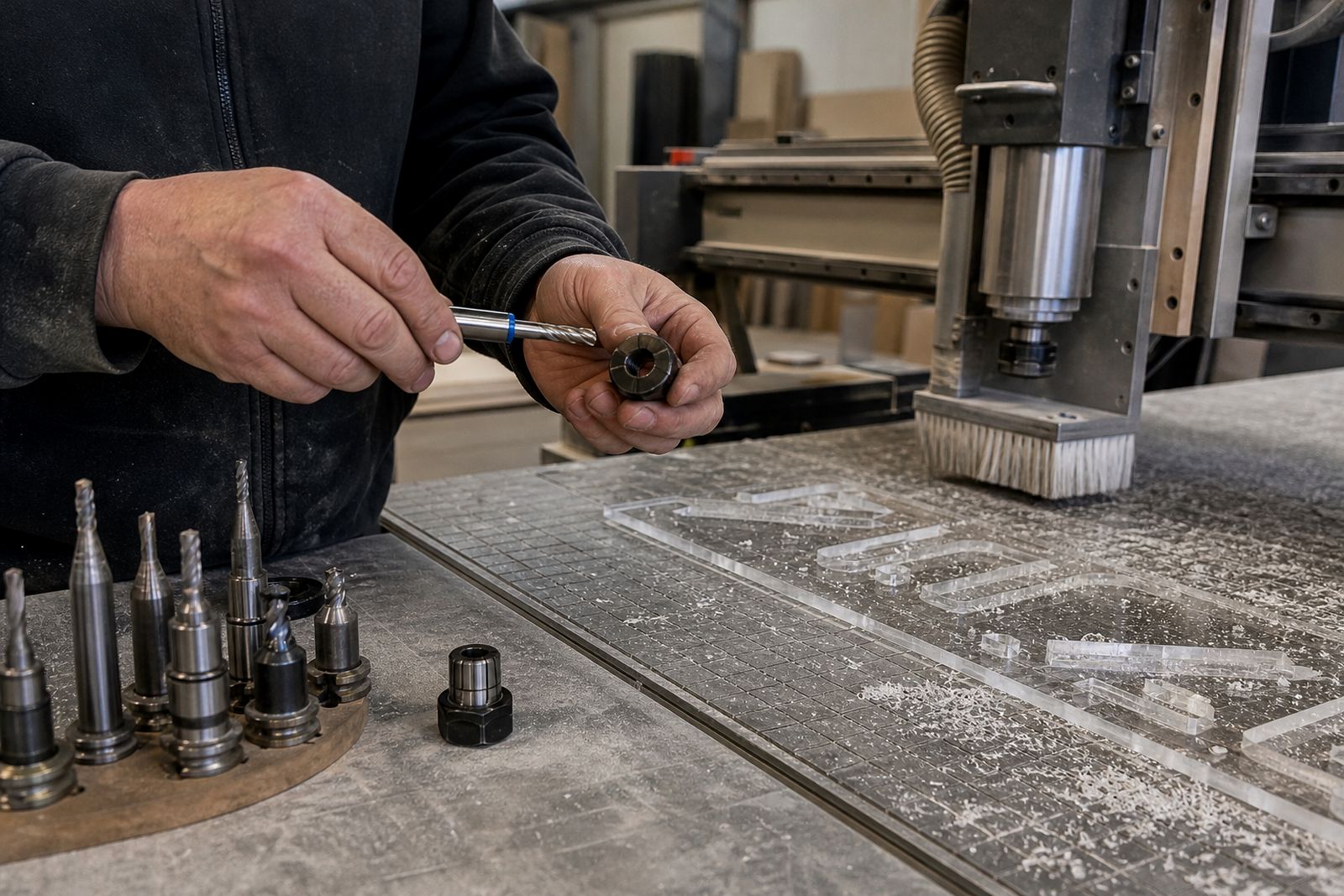
Use a dial indicator to check runout at the tool, and keep stick-out to the minimum needed. Even a small runout will ruin your best calculations, as one flute starts to bite deeper than the others and wears faster.
Common mistakes and how we solve them in South African shops
A common mistake is copying feeds and speeds off social media or from another material, without checking actual chip load or considering machine rigidity. In many coastal and Durban workshops, humidity affects chip behaviour, so we often suggest air blast or mist cooling even on smaller routers.
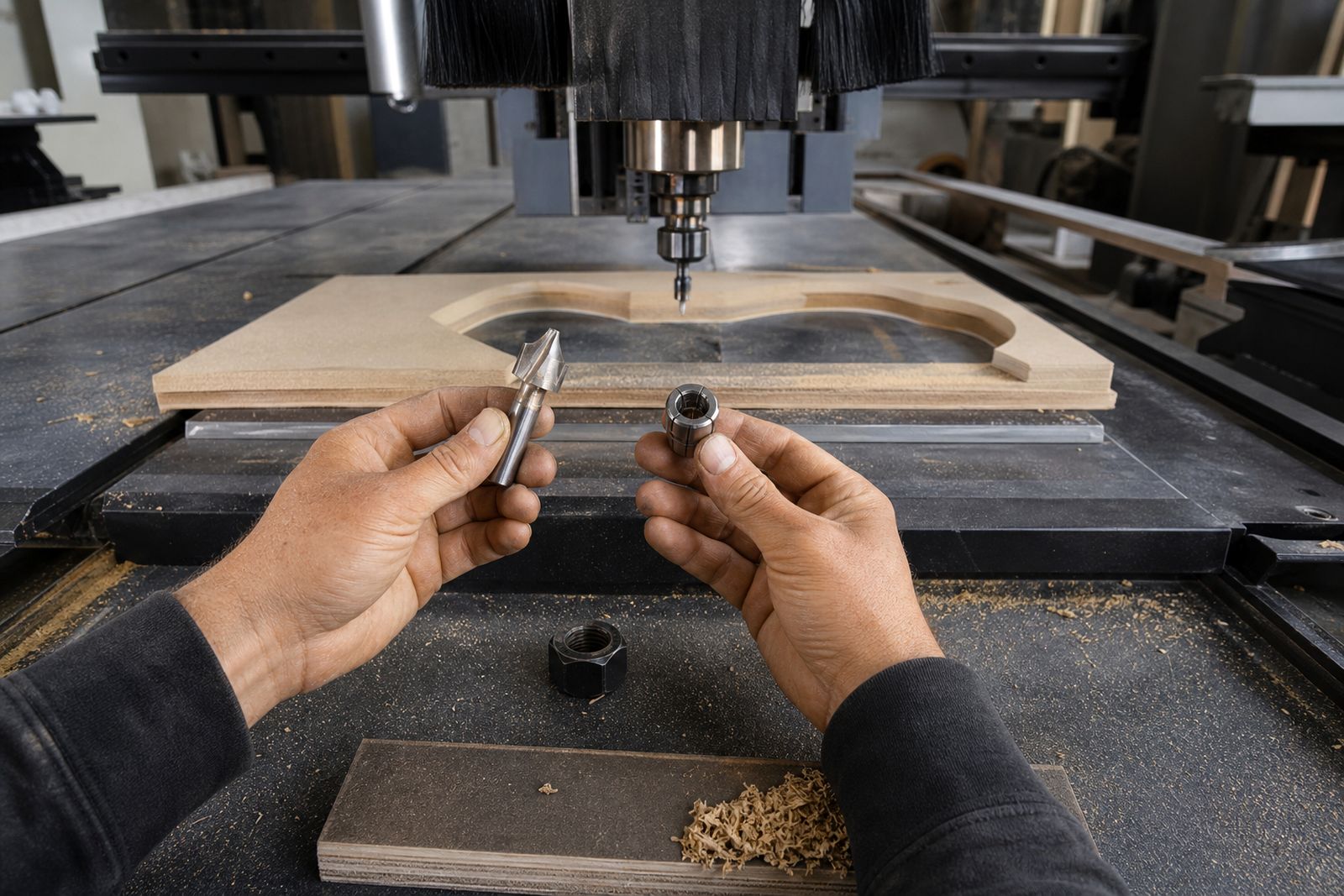
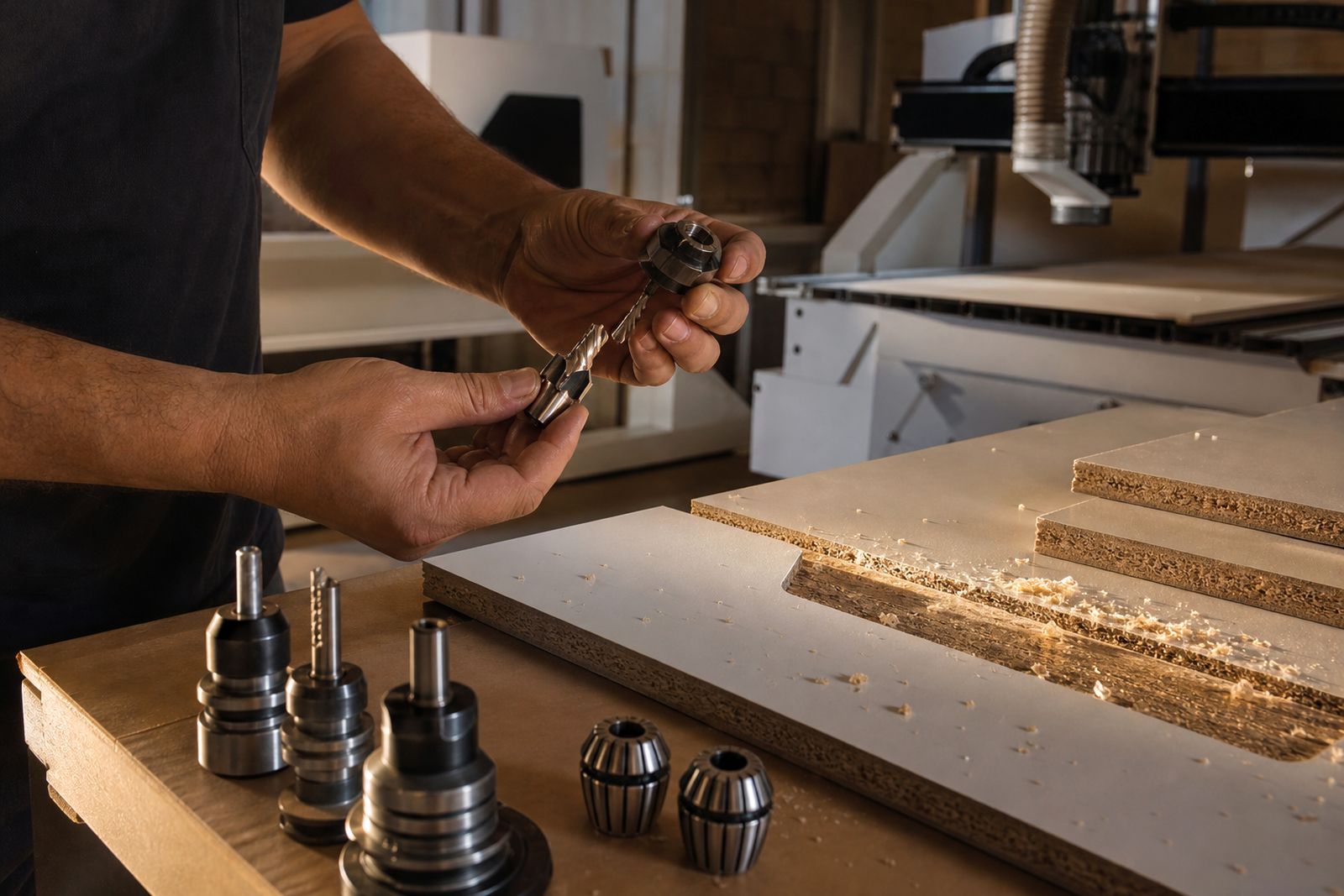
Dirty collets, loose nuts or using the wrong torque can also change effective chip load. Always clean your collet and nut before each shift, and check with a torque wrench if you have one. If you hear a squeal, see built-up aluminium or get a powdery finish, stop and recheck your maths, collet and tool. CuTool’s printable feeds charts and tool-life cards help teams keep track.
Our local customers also make good use of our regrind service. If a cutter starts to show dullness or heavy build-up after many hours, send it in for a regrind or retire it before it fails. If you need help picking the right tool or feed for your job, use our contact form. We’re here to help you cut smarter, not just harder.
Related: Edge Pro endmills and Sign shop nests. Browse all tools or more edge notes.
What our Cutting Tool customers say
Verified Google reviews
Also worth a look

Tell us about the job you need to cut
Send a note through our contact form with your machine, spindle and collet size, the material and thickness, the finish you need and your area, and we will come back with practical cutter options and a quote.
Open the contact form