

Feeds card
One-page feeds for aluminium, acrylic, MDF, and pine.
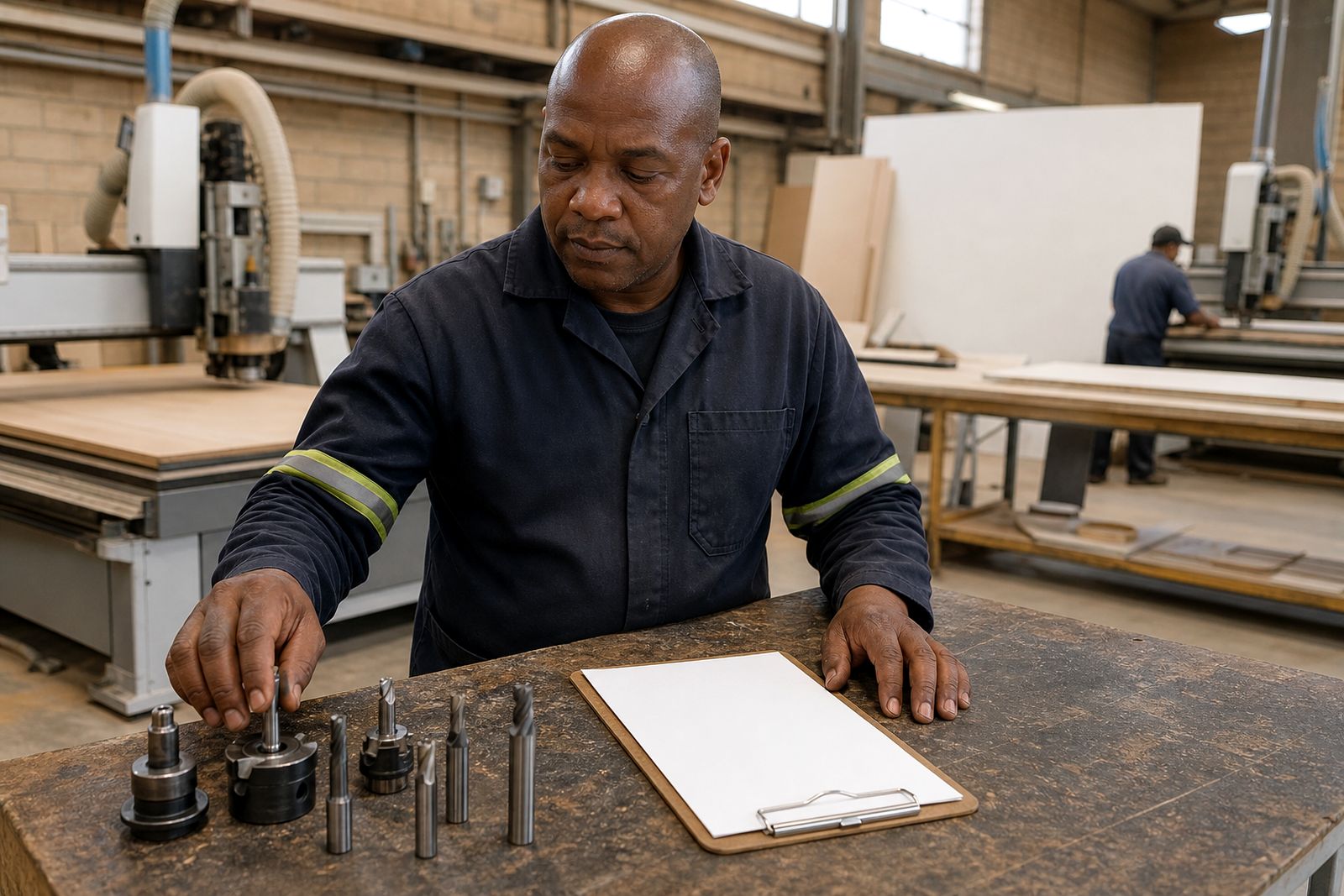
Feeds card roles in CNC workshops
The CuTool feeds card is a practical one-page reference for everyday CNC router and mill feeds. It covers aluminium, acrylic, MDF and pine, making it easy to dial in cutters for your job.
Our feeds card is designed for CNC router and mill operators needing a quick reference to start and log typical feeds and speeds for common South African materials. We print these on sturdy card so you can keep them at the machine, in the toolroom or under a bench magnet for quick checks.
Anyone running production or prototyping work, from sign shops to joinery and fabrication, will find it helpful. The person who runs test cuts on your machine should fill in the card, since every workshop and spindle is a bit different. It is not a substitute for checking the cutter maker’s data or results on your specific machine but gives a strong baseline.
How to fill in the fields on the card
The feeds card is set up for practical use. Fill out each field after a successful test or production cut, so you can repeat results or safely push harder next time. Always double check cutter condition and machine stability before increasing feeds.
- Material: tick aluminium, acrylic, MDF, or pine
- Cutter type: write flute count, geometry (up, down, compression or straight), diameter
- Spindle speed: fill in the RPM used
- Feed rate: note mm/min used for a clean cut
- Stepdown and stepover: record depth per pass and side engagement
- Hold-down method: tick vacuum, clamps, or tape
- Notes: jot down chip colour, finish, noise, or issues like heat buildup
How workshops use the feeds card through the month
Most shops keep the feeds card next to the CNC or on the wall by the controller, so anyone on shift can check or update it. Use it to avoid repeating old mistakes and to improve material use, especially if you cut different sheets or swap cutters often.
At the start of a shift or when changing materials, operators can cross-check the last successful settings and see if there is room to safely speed things up. Comparing notes on chip load, cut finish or machine noise helps keep cutters sharp and jobs on schedule. The card is also handy during power cuts or after maintenance, so you can quickly get back to proven settings without guesswork.
To get the latest PDF, reach us through the contact form.
What our Cutting Tool customers say
Verified Google reviews
Also worth a look




Tell us about the job you need to cut
Send a note through our contact form with your machine, spindle and collet size, the material and thickness, the finish you need and your area, and we will come back with practical cutter options and a quote.
Open the contact form